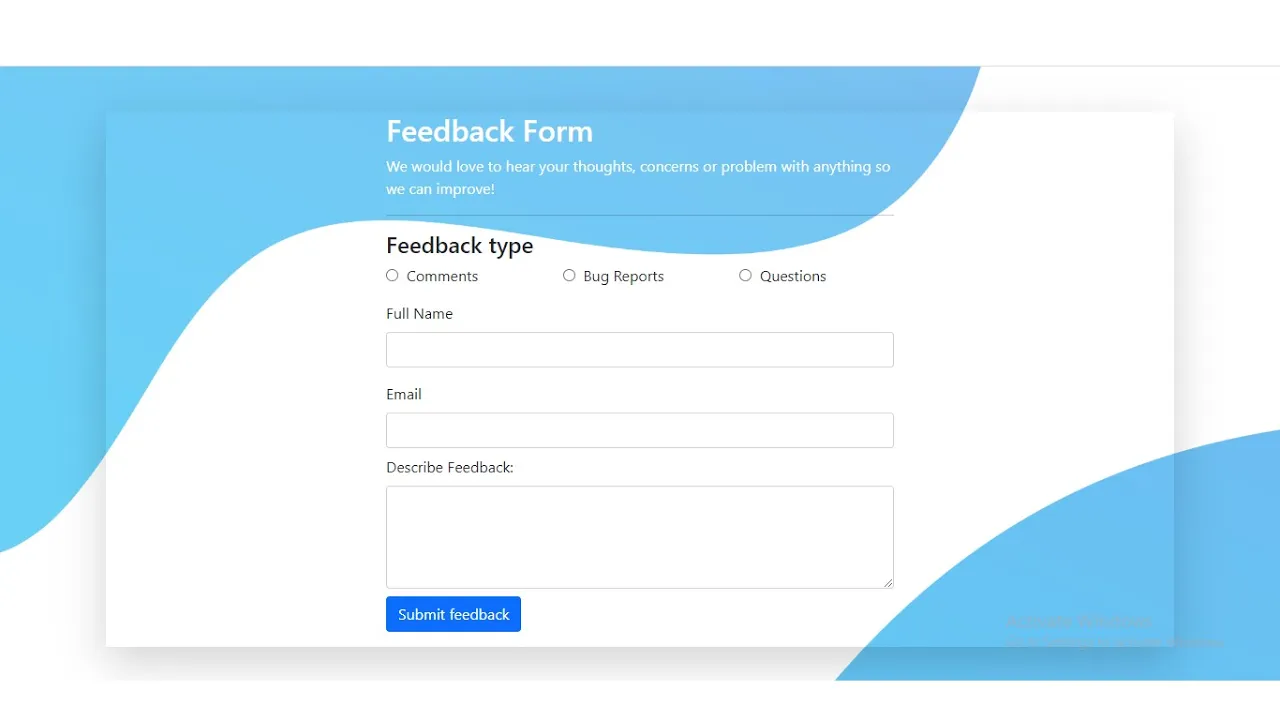
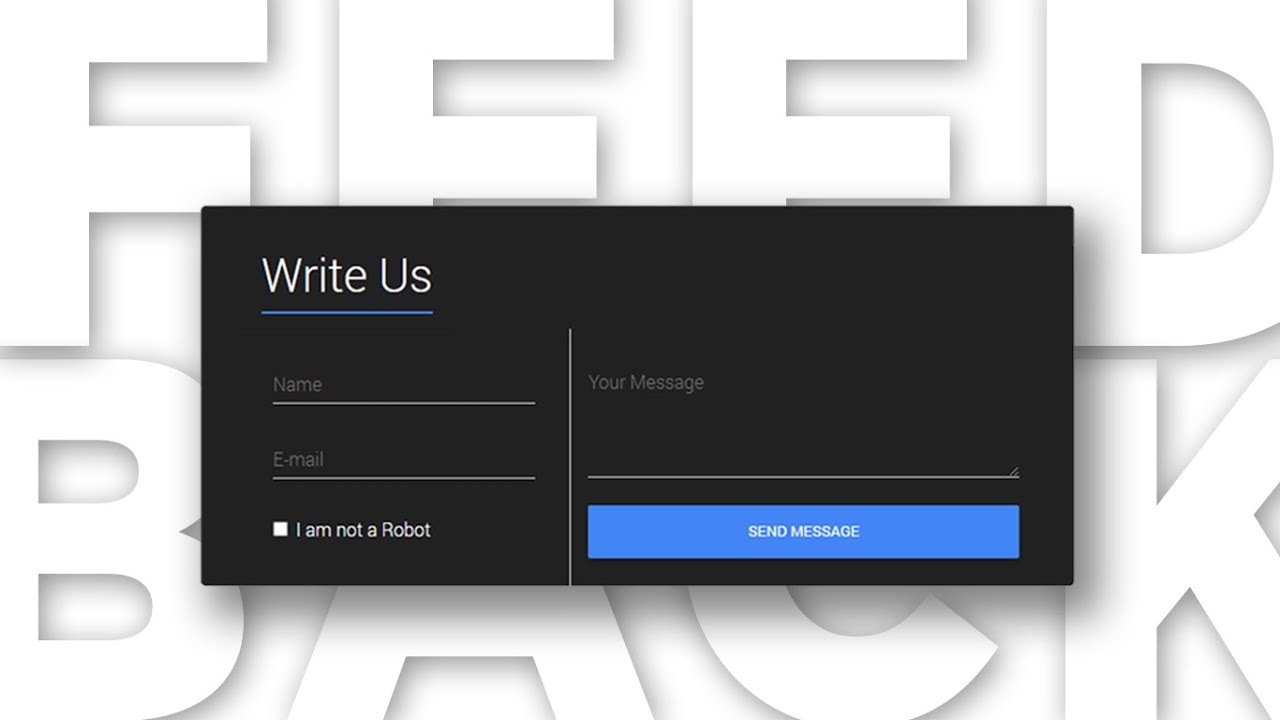
Feedback form using Bootstrap 5 | Responsive Feedback Form
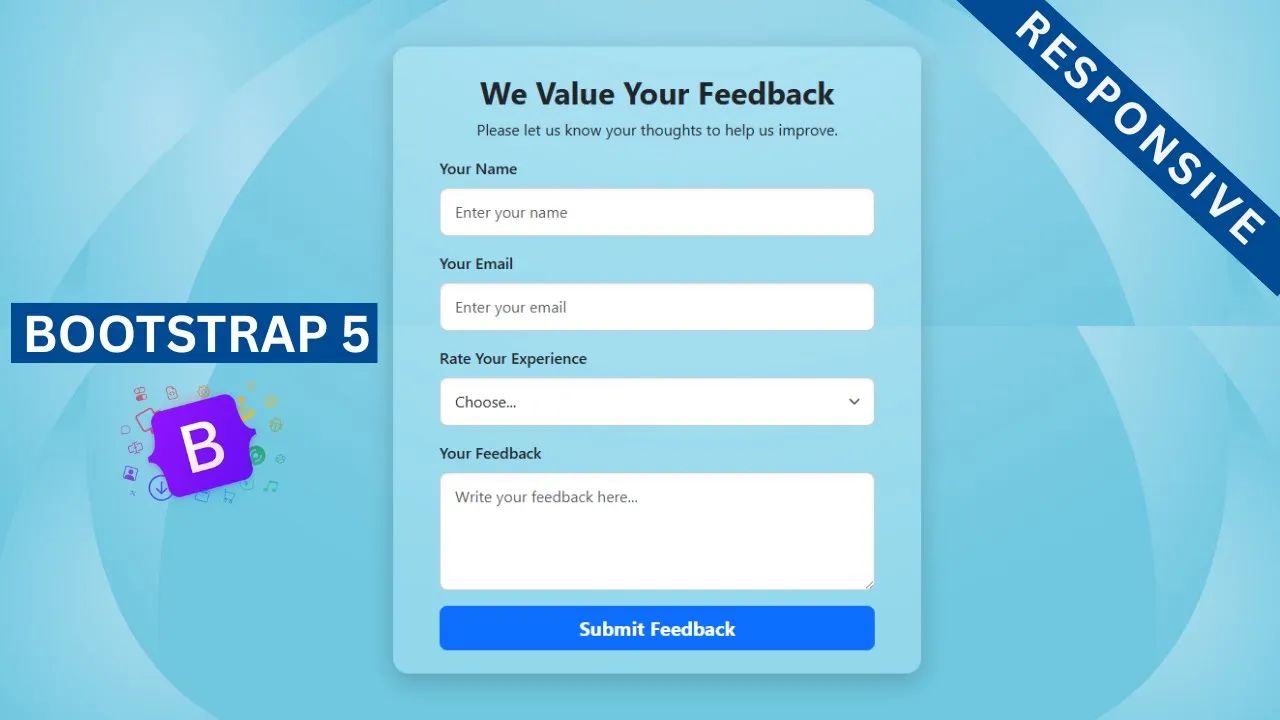
Feedback form using Bootstrap 5 | Responsive Feedback Form | #feedback form
In this tutorial, you’ll learn how to create a responsive feedback form using the latest Bootstrap 5.3 framework. Feedback forms are an essential part of any website—they help collect valuable opinions, suggestions, and reviews from users. With Bootstrap 5’s powerful built-in classes, you can design professional and mobile-friendly forms without writing custom CSS.
This project is specially designed for beginners, as Bootstrap 5 makes it easy to build clean layouts with minimal effort. By the end of this tutorial, you’ll have a fully responsive feedback form that looks great on desktops, tablets, and mobile devices.
✨ Features of the Feedback Form
-
Built using only Bootstrap 5 form controls & layout classes
-
Fully responsive design for all screen sizes
-
Clean and professional look
-
Beginner-friendly project (no custom CSS required)
-
Easy to customize and integrate into any website
What You’ll Learn
-
How to create a feedback form using Bootstrap 5 form components
-
How to structure input fields, text areas, and buttons with Bootstrap classes
-
How to build a responsive layout without custom CSS
-
How to design a beginner-friendly project with Bootstrap 5 utilities
Let's Write Feedback form using Bootstrap 5:
                                <!DOCTYPE html>
<html lang="en">
<head>
    <meta charset="UTF-8">
    <meta name="viewport" content="width=device-width, initial-scale=1">
    <title>Responsive Feedback Form using Bootstrap 5</title>
    <link href="https://cdn.jsdelivr.net/npm/bootstrap@5.3.8/dist/css/bootstrap.min.css" rel="stylesheet" integrity="sha384-sRIl4kxILFvY47J16cr9ZwB07vP4J8+LH7qKQnuqkuIAvNWLzeN8tE5YBujZqJLB" crossorigin="anonymous">

</head>
<body>

        <div class="container">
            <div class="row justify-content-center">
                <div class="col-lg-6 col-md-8">

                    <div class="feedback-container my-5 rounded-4 px-5 py-4">
                        <div class="faeedback-header text-center mt-1 mb-3">
                            <h2 class="fw-bold">We Value Your Feedback</h2>
                            <p>Please let us know your thoughts to help us improve.</p>
                        </div>

                        <form action="">
                            <div class="mb-3">
                                <label for="name" class="form-label fw-medium">Your Name</label>
                                <input type="text" class="form-control rounded-3" name="name" required placeholder="Enter Your Name" id="">
                            </div>
                            <div class="mb-3">
                                <label for="email" class="form-label fw-medium">Your Email</label>
                                <input type="email" class="form-control rounded-3" name="email" required placeholder="Enter Your Email" id="">
                            </div>
                            <div class="mb-3">
                                <label for="rating" class="form-label fw-medium">Rate Your Experience</label>
                                <select class="form-select" name="rating" id="rating">
                                    <option selected disabled>Choose...</option>
                                    <option value="">Excellent</option>
                                    <option value="">Very Good</option>
                                    <option value="">Good</option>
                                    <option value="">Average</option>
                                    <option value="">Poor</option>
                                </select>
                            </div>

                            <div class="mb-3">
                                <label for="comments" class="form-label fw-medium">Your Feedback</label>
                                <textarea name="comments" class="form-control rounded-3" id="comments" rows="4" placeholder="Write Your Feedback Here...."></textarea>
                            </div>

                            <div class="d-grid">
                                <button type="submit" class="btn btn-submit btn-primary btn-lg border-0 fw-bold">Submit Feedback</button>
                            </div>

                        </form>

                    </div>

                </div>
            </div>
        </div>


    <script src="https://cdn.jsdelivr.net/npm/bootstrap@5.3.8/dist/js/bootstrap.bundle.min.js" integrity="sha384-FKyoEForCGlyvwx9Hj09JcYn3nv7wiPVlz7YYwJrWVcXK/BmnVDxM+D2scQbITxI" crossorigin="anonymous"></script>

</body>
</html>
Let's Write some CSS.
                                <style>

    body{
        background: url(background-image.jpg) no-repeat center center fixed;
        background-size: cover;
    }
    .feedback-container{
        background: rgba(240,241, 255,0.4);
        box-shadow: 0px 8px 25px rgba(0,0,0,0.2);
    }
    .form-control, .form-select{
        border: 1px solid #ccc;
        padding: 12px 15px;
        transition: all 0.3s ease-in-out;
        box-shadow: inset 0px 2px 5px rgba(0,0,0,0.05);
    }
    .form-control:focus,
    .form-select:focus{
        border-color: #0d6efd;
        box-shadow: 0 0 8px rgba(13,110,253,0.4);
    }

</style>
Recent Post




Most Popular Post



Categories
- HTML & CSS9
- Bootstrap4
- Login Forms11
- Sidebar Menu1
- Card Design1
- CSS Buttons3
- Social Media Buttons1
- Preloader or Loaders5
- Neumorphism Designs3
- Contact Forms6
- Responsive Footers8
- Javascript4
- Websites3
- Bootstrap Cards0
- Vanilla JavaScript1
- jQuery Effects0
- Bootstrap Sidebar Menus0
- CSS Sidebar Menus0
- Navigation Bars4
- Responsive Gallery3
- Responsive Feedback Page5
- Blog0